How to Play - Walkthrough
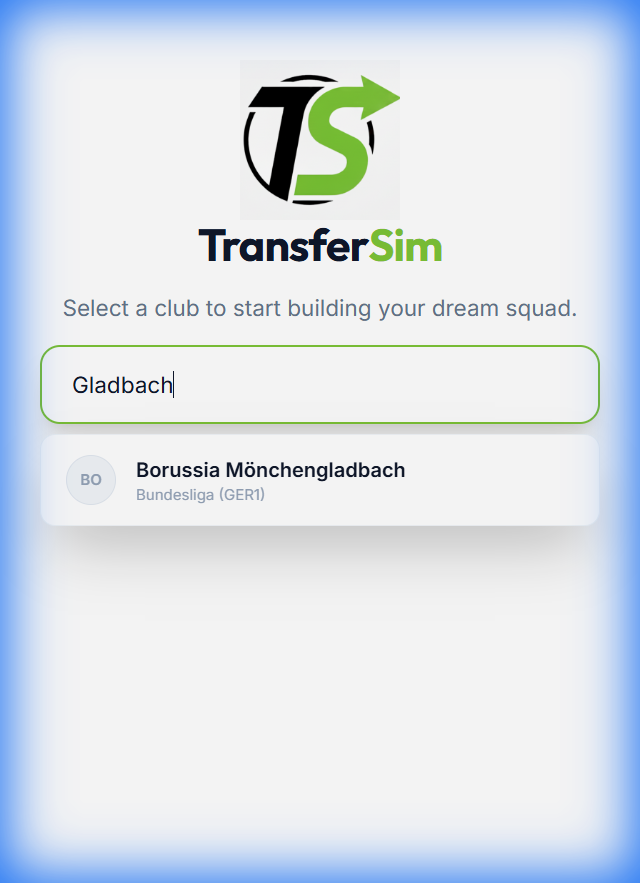
Start by searching for your favorite club. We support over 400 clubs from various leagues! Simply type the name (e.g., "Gladbach") in the search bar.
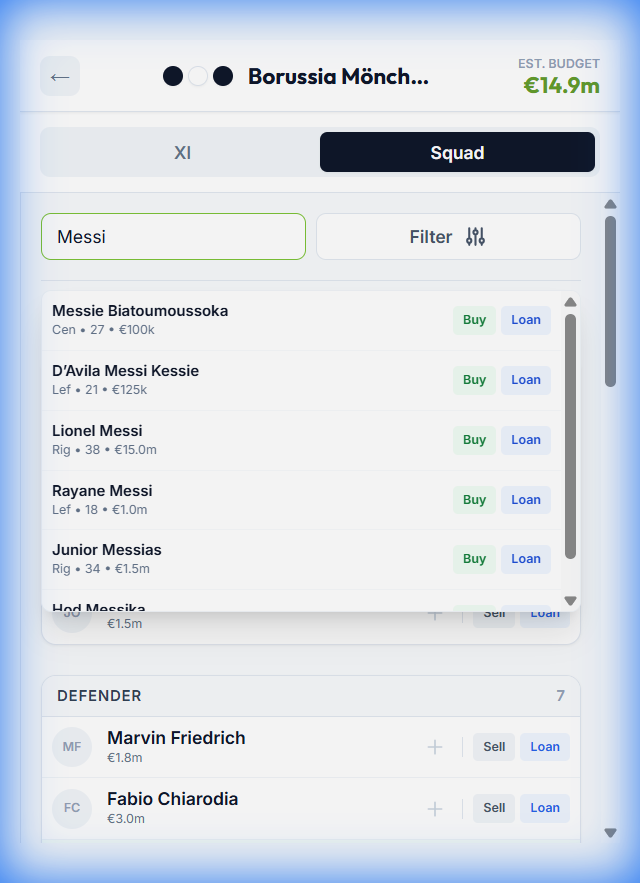
Search for a player in the search bar and click the green Buy button. Here we are buying Lionel Messi for Borussia Mönchengladbach. Also you can find players with specific attributes, e.g. position, age, league or how long their contract runs. Use the Find Players button and use the filter accordingly.
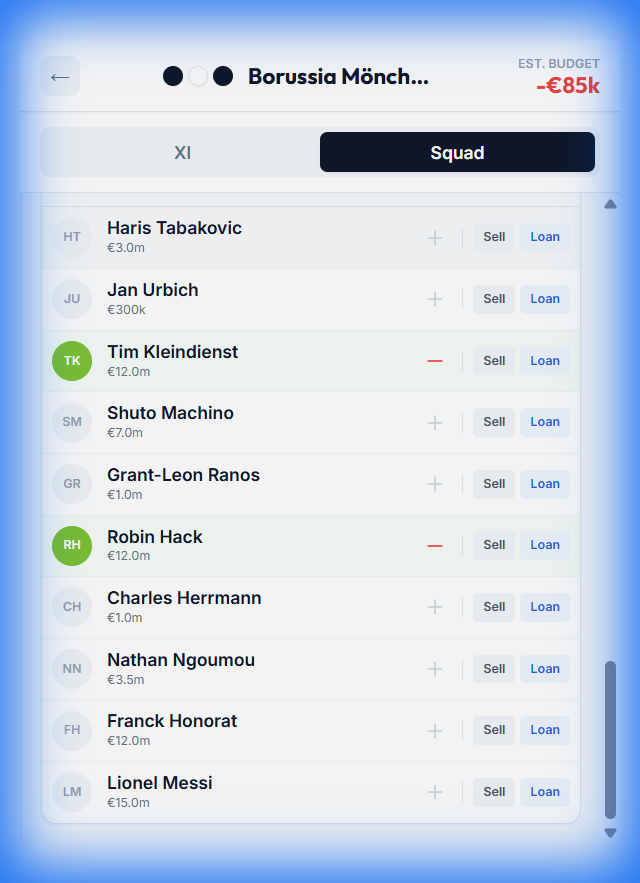
To sell a player, find them in your squad list and click the red Sell button (Euro icon). Here we are selling Nathan Ngoumou to increase our budget.
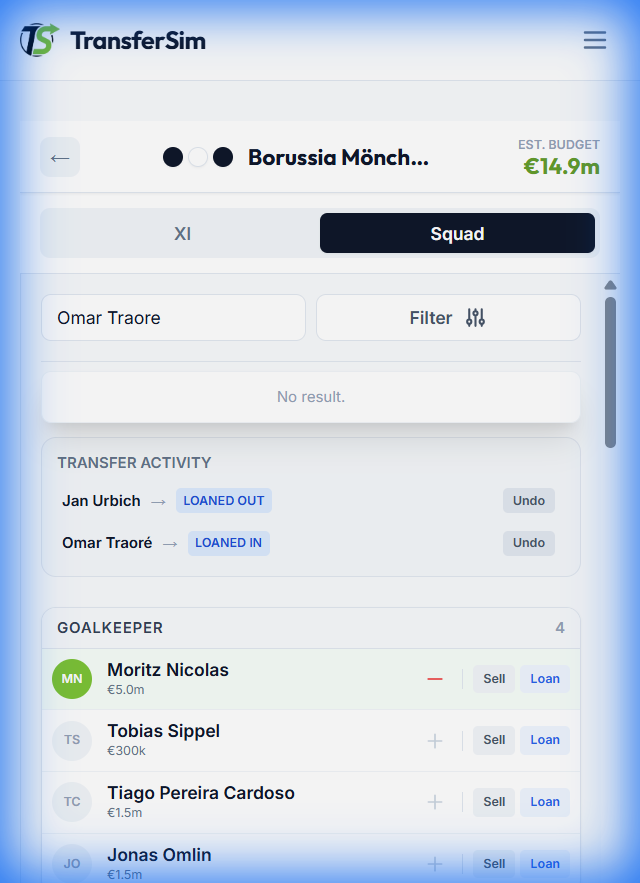
You can also loan players. Search for the player and click the blue Loan button. Loaning does not cost transfer budget. Here we are loaning Omar Traoré.
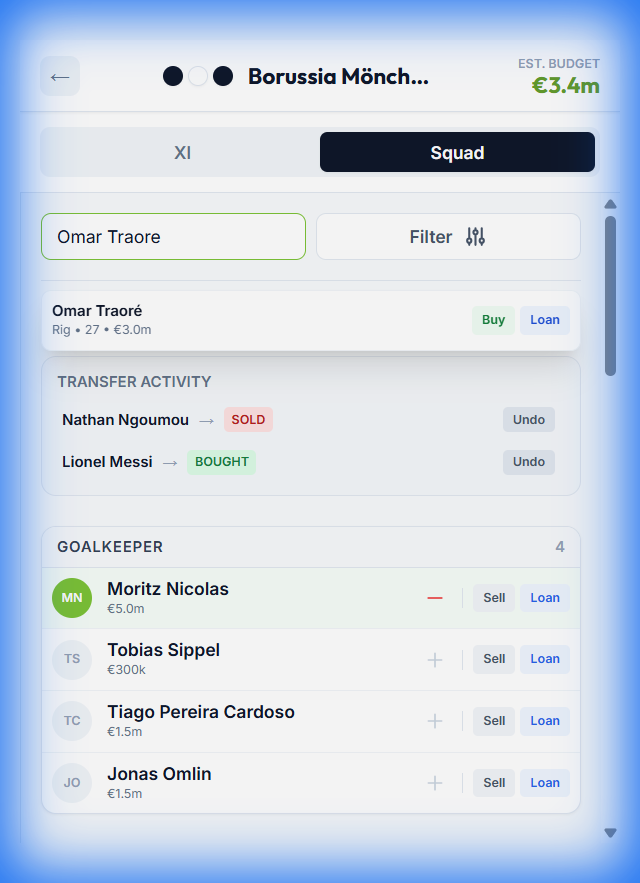
If you want to send a player away on loan, find them in your squad and click Loan Out. Here we are sending Alejo Sarco on loan.
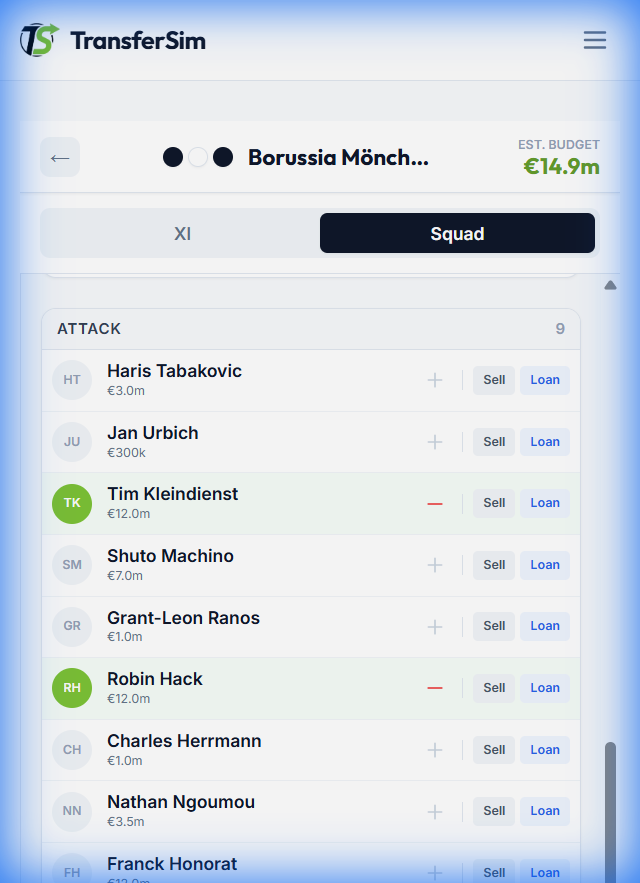
Go to the XI tab to view the pitch. You can move players to the bench by pressing the red - or dragging them to the button area.
Note: New players will be added to the middle at first.
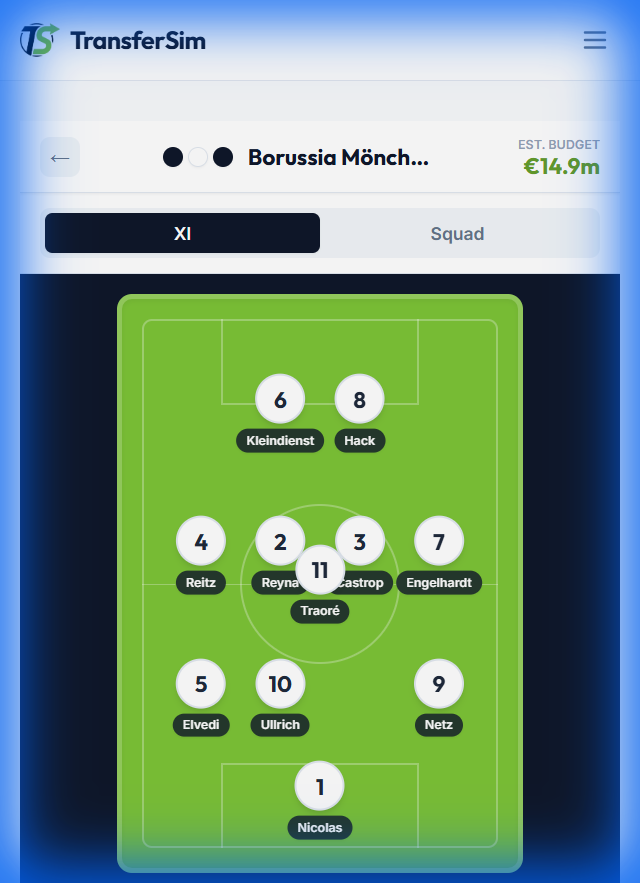
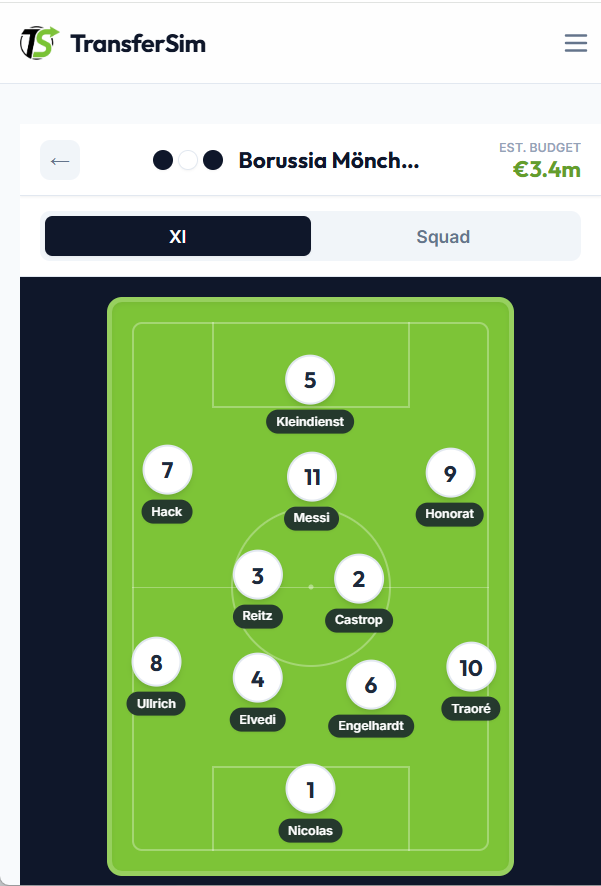
Want to play with a false 9 or a 3-back formation? No problem! You can drag and drop players anywhere on the pitch to create your perfect formation.
Made a mistake? You can undo transfers in the Transfer Activity log at the top of the squad list. Here we are undoing the loan of Alejo Sarco.
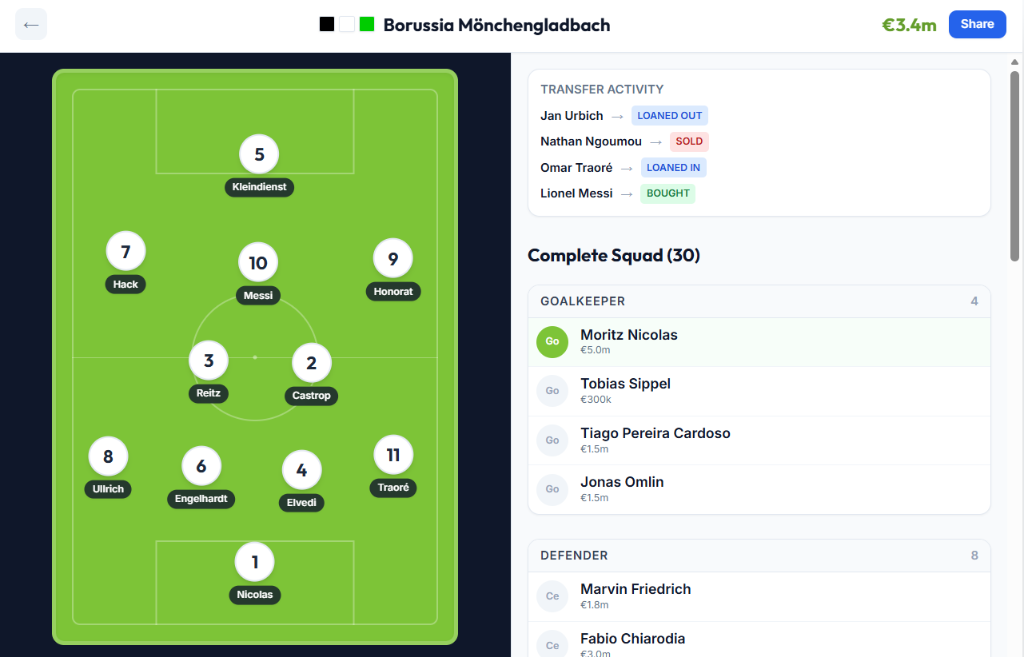
Happy with your squad? Click the Export Simulation button to get a unique link. Exporting now also generates a beautiful picture that you can easily share in your Instagram stories! Share your team and don't forget to tag @transfersimde on Instagram!